Before attempting the steps shown below you may wish to complete the tutorials that come packaged with Alice. Click on the Tutorial tab in the Welcome to Alice screen. You may not understand all the concepts in the tutorials – do not worry we will explain these later in the course.
Step 1
Run the Alice program and create a new world by clicking on the Templates tab on the Welcome to Alice screen. Then select the grass Template.
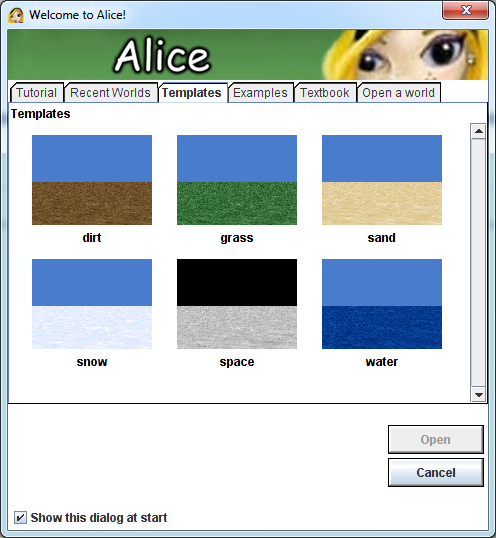
Selecting a background
Select the Add Objects button that appears next to the world view. The world view will be expanded and the Local Gallery will appear at the bottom of the screen.
From the Local Gallery, select the Medieval folder, then select the Horse object and Princess object and drag them to the world view.
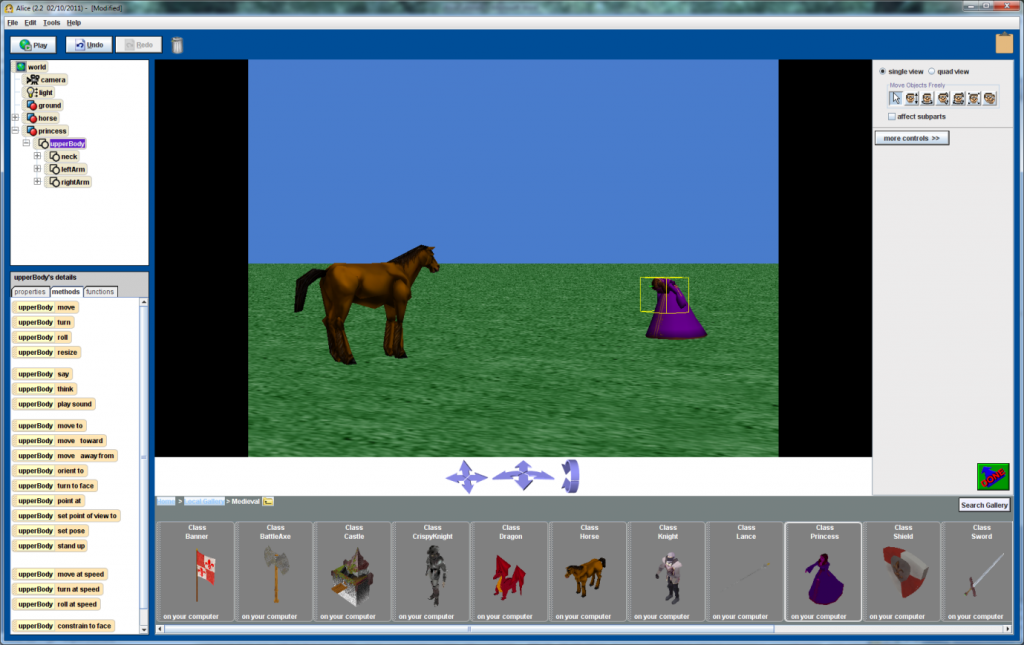
Inserting objects
At the moment the two objects are most likely not facing each other. In the Object Tree, right click on the Horse object, select methods from the menu and then select “horse turn to face”. Select Princess as the target. Do the same for the Princess object.
Finally make the Princess bow, by selecting the UpperBody part of the Princess and then selecting the turn method, turning the upper body forward ¼ of a revolution.
At this stage you should experiment with other methods on the princess and horse to move various body parts. At any stage you can press undo to cancel a particular move.
Step 2
Add a Knight object from the Medieval folder. This will give you practise in positioning objects in the 3D world. Our aim is to sit the Knight on the Horse. The easiest way to position objects relative to other objects in the world is to use the quad view.You will need to use the different movement controls shown under the quad view button. This will take a bit of experimentation to get right, so don’t panic if you don’t get it right first try.
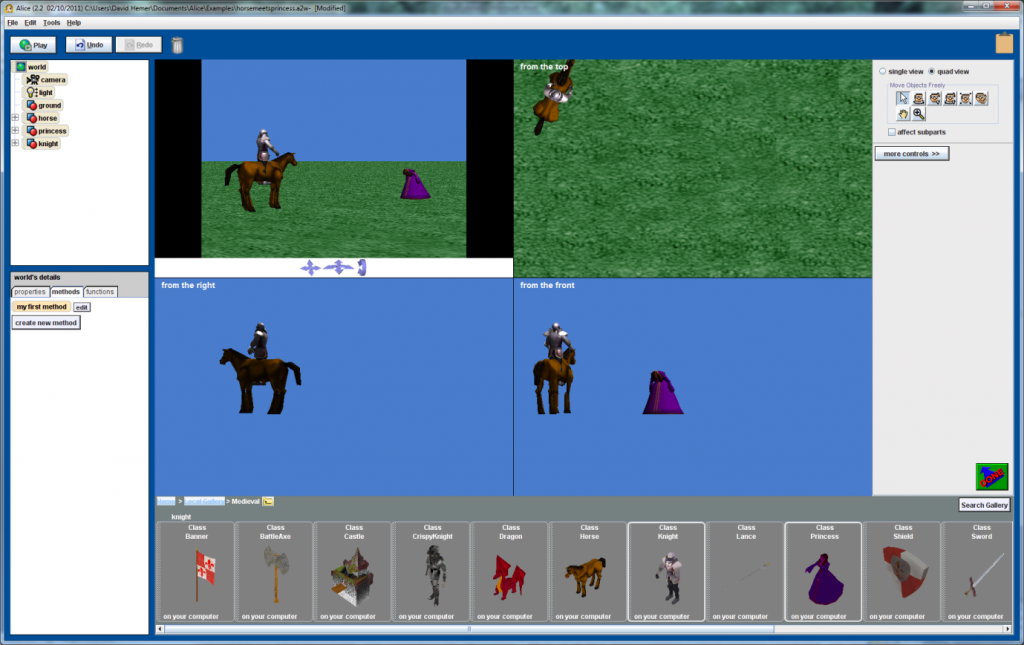
You will notice that the legs of the rider merge into the horse, which doesn’t look great. What you need to do is reposition the legs so that they look more natural. You should experiment with the turn methods on the different parts of the rider’s legs. This will again take a few tries, but remember you can always use undo if you make a mistake.